One capture.
Two ways to show it.
The same apartment as a 3D walkthrough people explore in their browser, and as a walkthrough video you can post. Both came out of one capture, processed by our pipeline.
1 free month · 3 walkthroughs · then A$139.99 a month through the App Store
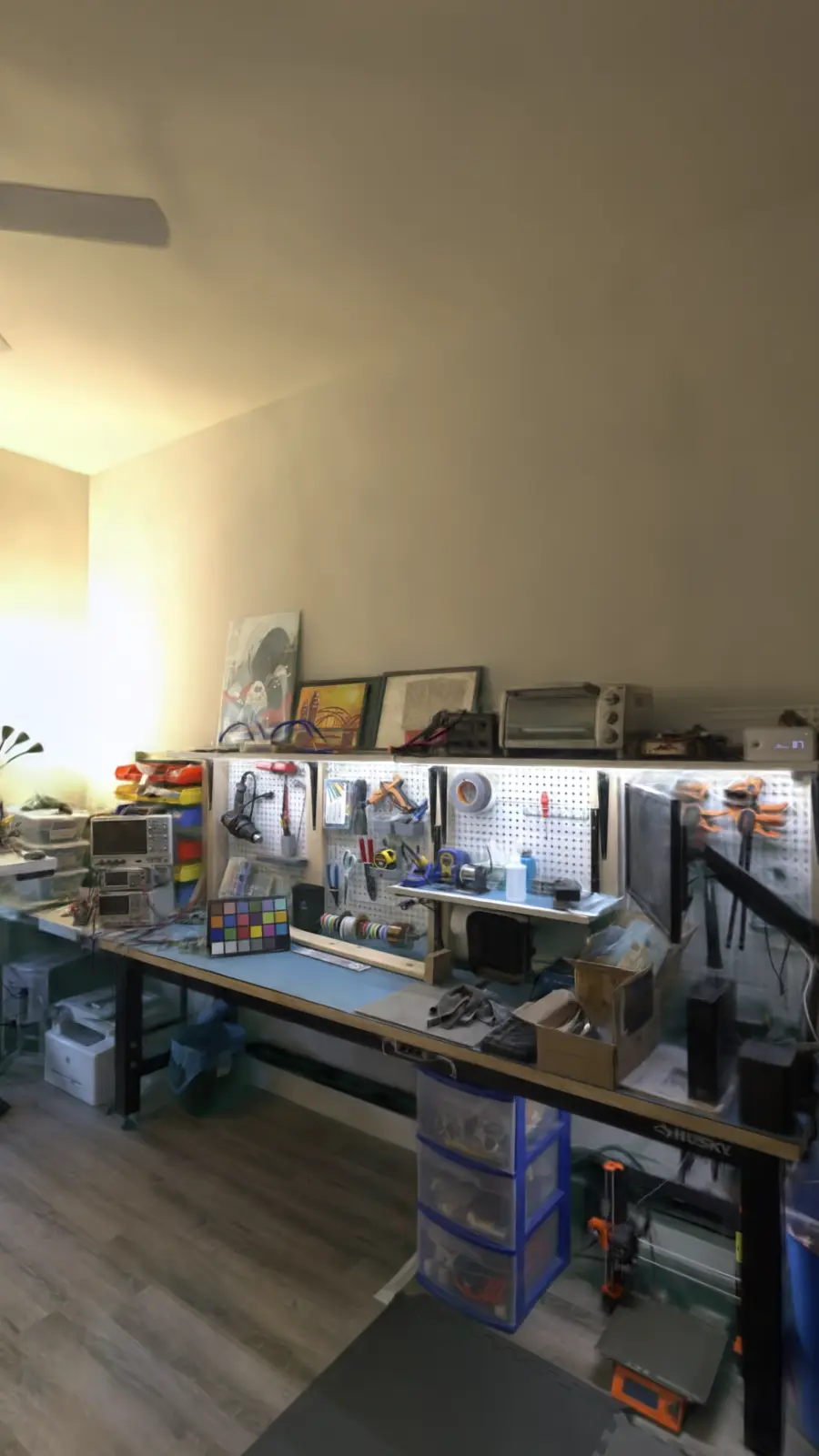
Public research capture (Meta Eyeful Tower, MIT licence) processed by the Veylet pipeline. Not captured with Veylet Capture; not a client property.
What this example is.
A public research capture run through our own pipeline, so you can judge the result before you capture anything.
- Source
- The apartment scene from Meta’s Eyeful Tower research dataset, photographed with a research camera rig. MIT licence, Copyright (c) Meta Platforms, Inc. and affiliates. Read the licence
- Processed by
- The Veylet pipeline, end to end: camera positions, training, the automatic quality check, packaging for the browser, and the video export.
- Rooms
- Kitchen, living area, workshop and bedroom, with one stop in each.
- What it is not
- Not captured with Veylet Capture, and not a client property. It was photographed with a research rig, so an iPhone capture of your space will look different, and every walkthrough is checked before you can share it.
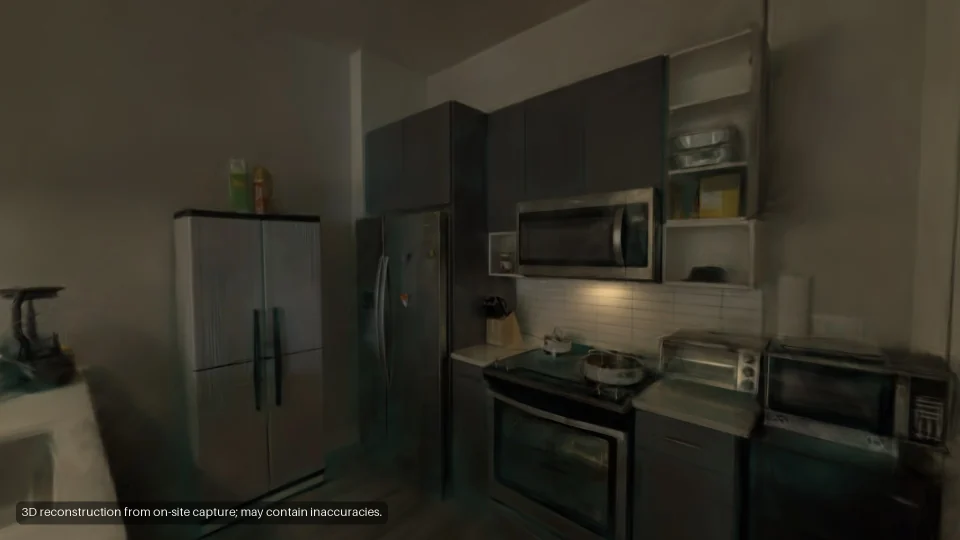 Kitchen
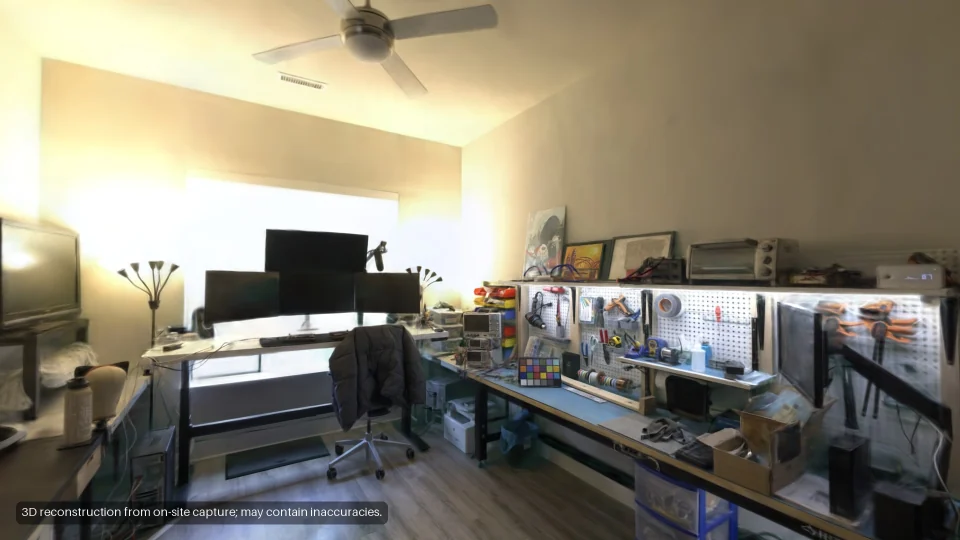 Living area
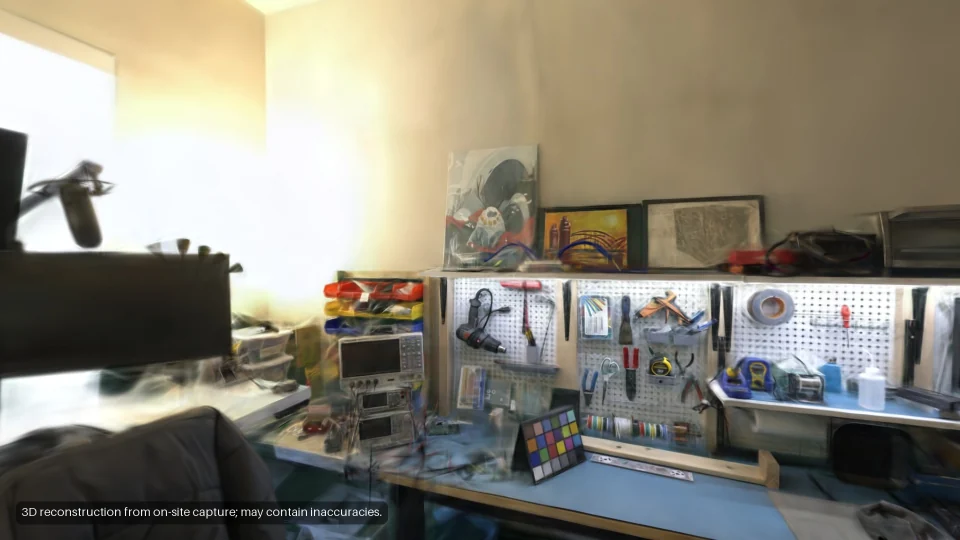 Workshop
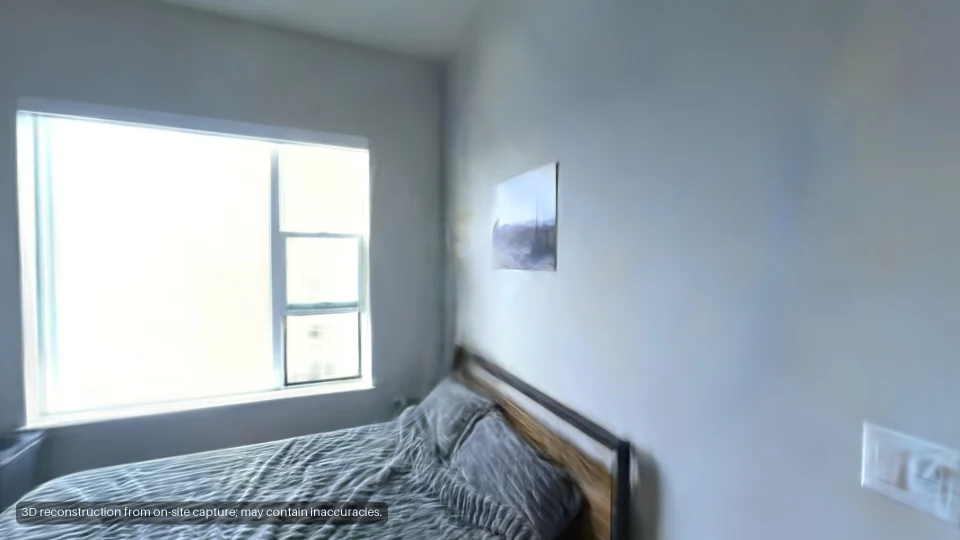 Bedroom
Explore it or watch it.
Same capture, different jobs. The walkthrough lets people look for themselves; the video takes them round.
| Explore itThe 3D walkthrough | Watch itThe walkthrough video | |
|---|---|---|
| Where it goes | ExploreA link, a QR code, your website | WatchInstagram, Reels, a listing’s video slot |
| Who steers | ExploreThe viewer, anywhere they like | WatchA set route through every room |
| Length | ExploreAs long as they like | Watch20–45 s social cut, 60–180 s listing cut |
| What they need | ExploreA browser, no app | WatchAny video player |
| In the plan | ExploreEvery walkthrough | WatchIncluded, when video exports open |
From your phone to their browser.
Five steps, from a practice room to a link your client opens.
-
Practise one room.
Once
The app unlocks real captures once the practice room passes.
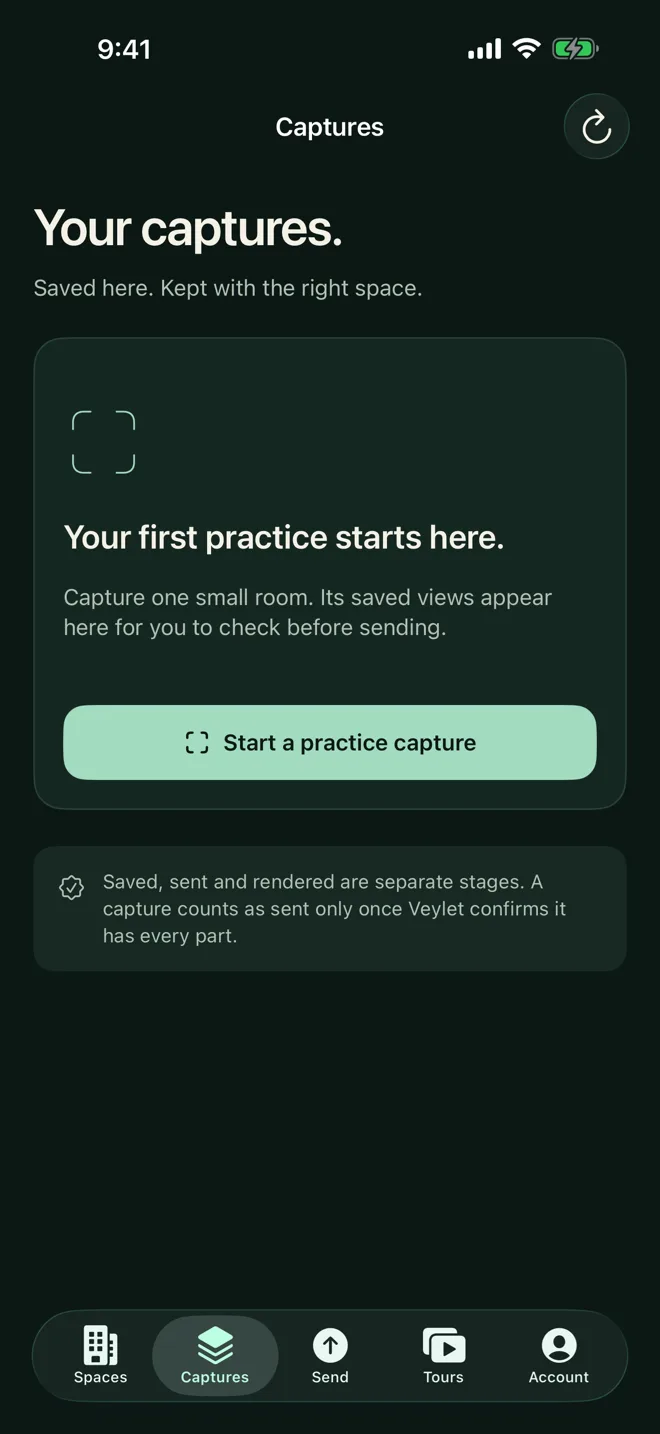
App screen (iOS Simulator) -
Capture room by room.
About 3 minutes a room
The app coaches you as you walk each room.
-
Send.
In the background
Send it from the app when the last room is done; it uploads in the background.
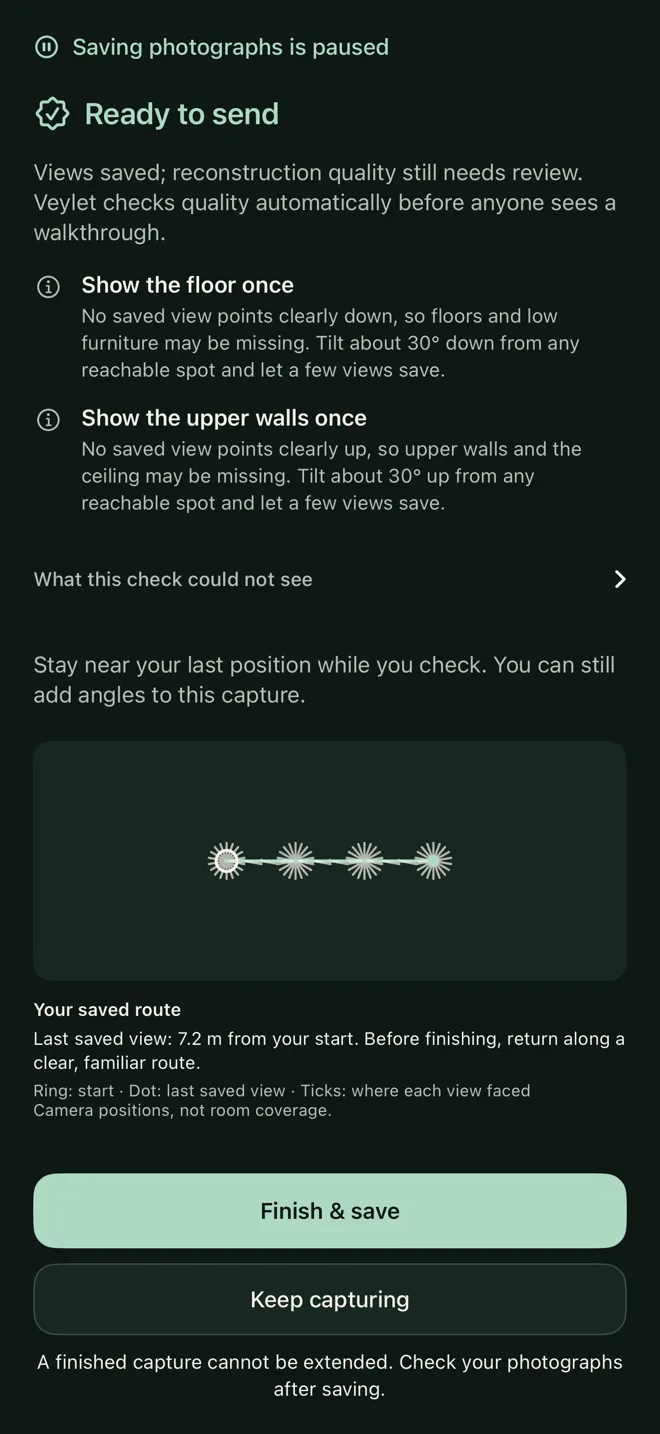
App screen (iOS Simulator) -
Automatic render and quality check.
We’ll email you when it’s ready
You get “Ready for your review” when it passes.
Illustration: the render status, from Rendering, step 3 of 5, to Ready for your review. -
Approve and share.
One press
Then a link, a QR code and a website embed. Clients walk it in their browser, no app.
Illustration: Approve and share, then the link, QR code and embed, then the walkthrough in a phone browser.The view is the example above: a research capture, not captured with Veylet Capture.

Your first month.
Try it on your own spaces before you pay anything. This is what the free month includes, and what follows it.
- 3 walkthroughs included
- Across the free month in total, not 3 a month.
- Each walkthrough
- The 3D walkthrough, a private link, a QR code and a website embed, hosted while your plan runs.
- Listing videos and stills
- A 16:9 listing video, a 9:16 social video and stills of each walkthrough, included in the plan when video exports open.
- Your first walkthrough
- If your first walkthrough isn’t listing-ready, we redo it free.
- Card on file, cancel any time
- New trials start through Apple’s free introductory offer in the app, if eligible. Existing card and invoice agreements retain their terms. Cancel before the free month ends and nothing is charged.
Four short answers.
Was this example made with an iPhone?
No. It is the apartment scene from Meta’s Eyeful Tower research dataset, photographed with a research camera rig and published under the MIT licence. We processed it with the same pipeline your captures go through, from camera positions to the video export. An iPhone capture of your space will look different, and every walkthrough is checked before you can share it.
Do my clients need an app?
No. They open the link, the QR code or the embed on your website in a current browser on a phone, tablet or computer. There is nothing to install and no account to make.
What if my capture isn’t good enough?
The app checks your saved route before you send it. After you send it, an automatic quality check tests the walkthrough before it reaches you; if it does not pass, it retries once, then names the rooms to recapture, and that attempt is not counted. And if your first walkthrough isn’t listing-ready, we redo it free.
When can I start?
Join the waitlist with your iPhone model; it is free and creates no account. New accounts are admitted weekly, and we email you when it’s your turn.
Start with
one space.
Join the waitlist with your iPhone model; it is free and creates no account. New accounts are admitted in weekly groups.
Join the waitlist